Google brings 'Computer Use' capability to Gemini's Mac app for automated tasks
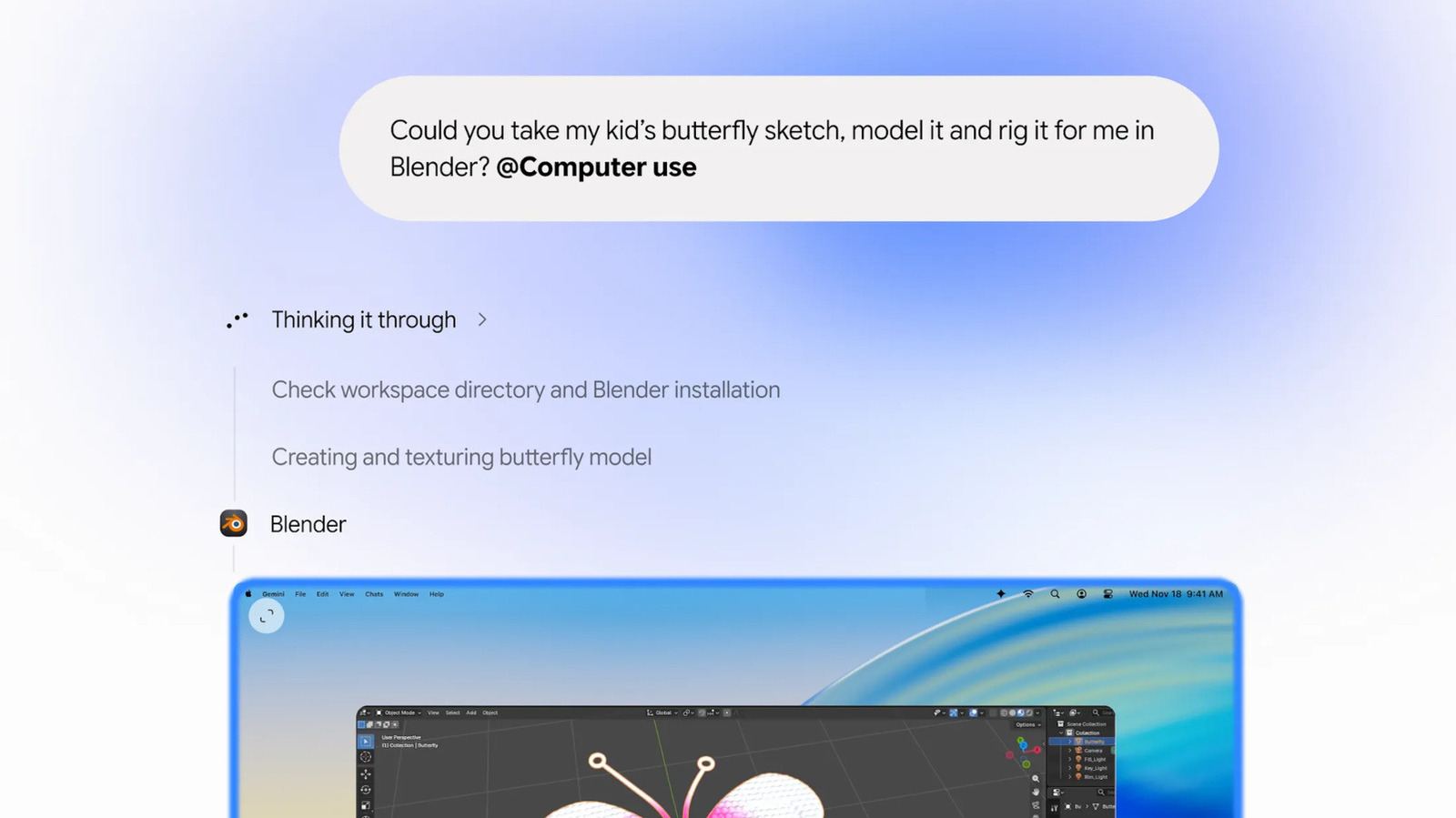
- Google's Gemini app for Mac now features the 'Computer Use' capability to handle repetitive tasks.
- The AI can view screen contents via screenshots and perform actions like clicking, typing, and scrolling based on natural language prompts.
- Tasks run in a background window with a live chat preview without seizing control of the user's screen or cursor.
Background & Context Analysis
Google has updated its Gemini app for Mac to include the "Computer Use" capability, enabling the AI to independently perform repetitive tasks. Previously available on PC, the Mac application can now analyze screen content via screenshots and execute actions such as clicking, typing, scrolling, and navigating websites and programs based on natural language commands. The AI operates in a background window, providing a live preview in the chat without taking over the user's screen cursor, while requesting approval for key actions. The new capability aims to streamline multi-step workflows across various applications and devices. Google's outlined use cases include batch-listing items for sale on e-commerce platforms like eBay by researching local folder photos and pricing, rapidly filling out local PDF documents like shipping declarations, and accelerating creative tasks such as converting pencil sketches into 3D models. Users retain control by granting permissions only to authorized applications.
✅ Source Verification
- Original source
- Engadget (🇺🇸 United States)
- Original language
- English
- Originally published
- 2026-11-20 12:36 (17h ago)
- How this briefing was made
- This briefing was structured and translated by AI from the original report. Key facts (names, numbers, dates) come from the source; synthesis may contain errors — please check the original.
Was this AI briefing helpful?
✨ Ask AI About This Article
Ask follow-up questions grounded strictly in this briefing